
Sending Log Files to Service Provider
From GrabCAD Print, you can generate printer log files for diagnostic purposes and send it to your service provider for support.
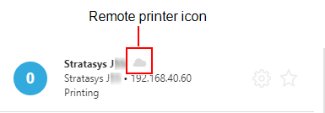
Note: It is not possible to send log files for remote printers. To send the log files, the printer and GrabCAD Print must be connected to the same network.
To generate and send a log file:
| 1. | In GrabCAD Print, make sure that the printer is connected to the GrabCAD client. |
| 2. | Select the Printer Details icon. |

| 3. | Select . |
| 4. | When the following dialog box appears, enter all the required information and click . |
Note: Make sure that the Include Project File check box is selected. This ensures that the print job is sent together with the log files.
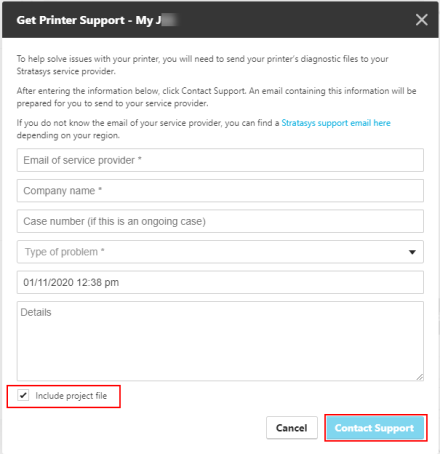
A printer diagnostics file is prepared and a new email message opens in Microsoft® Outlook®.
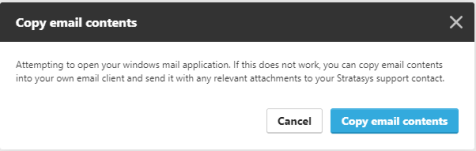
If GrabCAD Print cannot open your email client, the following message appears. Click and paste the contents into an email.
| 5. | Send the email to your service provider. |